
When Claude Code landed in our team, we dived right in and jumped on the AI train: we asked it to rebuild the site end-to-end with a CMS behind it. We had 20 pages to recreate in ~6 weeks with two developers, so “let the model handle it” felt like the obvious move.
It produced code fast — and we spent the next two days discovering why “fast output” isn’t the same as a system you can extend, test, and hand over.
This post is the story of that failure, and the pivot that made AI genuinely useful: design first, then let AI fill in the pieces.
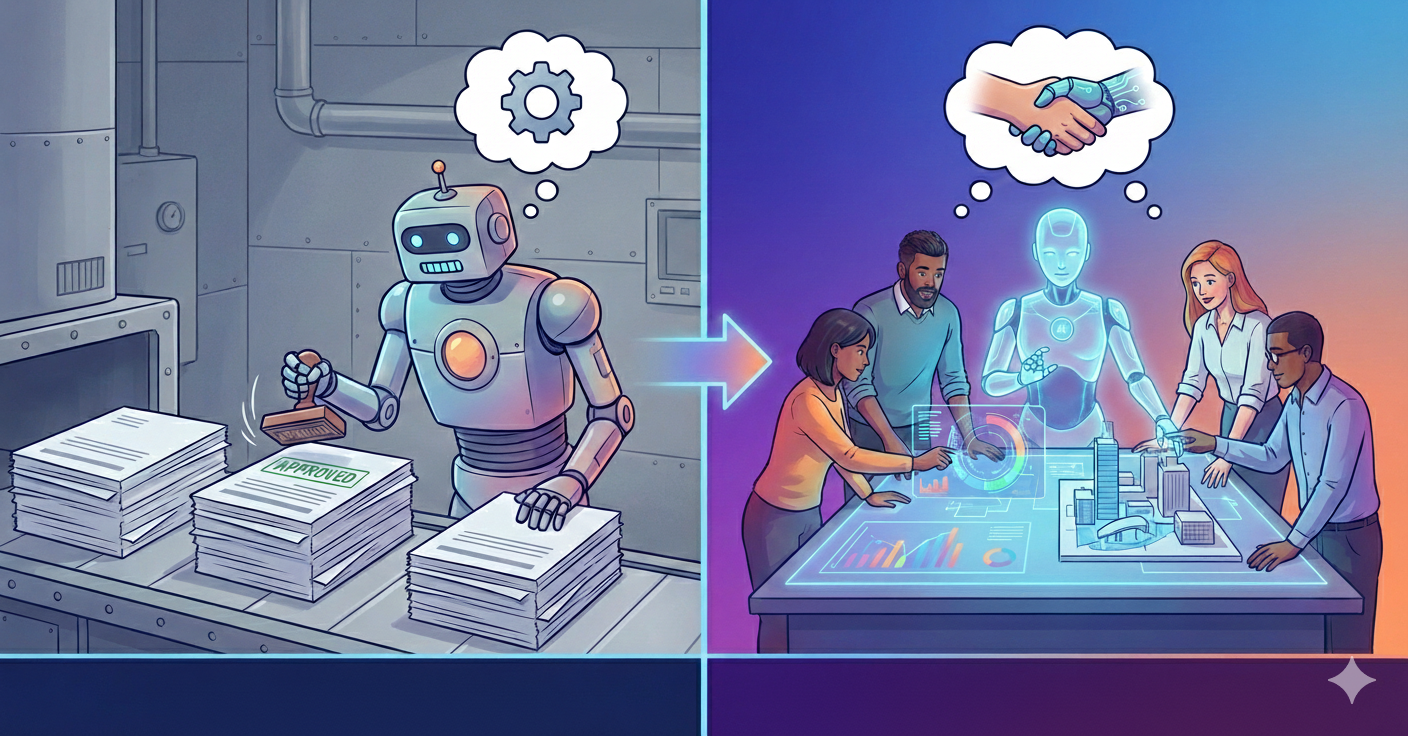
The automation plan that backfired
The existing codebase was messy — multiple iterations, multiple contributors, no consistent patterns. Recreating static pages using Strapi CMS meant reverse-engineering layouts, rebuilding components, mapping APIs, and preserving styling across two websites.
Our first attempt: One comprehensive prompt to Claude.
- Analyse the page → break it into sections/components.
- Build Strapi component + matching
Vue.jsfrontend component with the same styling. - Create Strapi single type for a page → add components → map Strapi →
Vue.jscomponents. - Set up frontend API → render data.
It worked… sort of. Claude delivered a complete build. But the output was unusable:
- No extension/reuse/modification flexibility.
- Frontend components drifted from the existing design.
- Complex Strapi components with excessive styling inputs (non-technical marketing team nightmare).
Two days of salvage attempt
We paired for two days on the AI-generated output, trying to salvage something production-ready. Mental exhaustion hit hard and we made essentially no progress — the components were unreadable, the UI felt locked-in, and even small changes became battles.
A big part of the frustration was that Claude had extracted the page sections brilliantly, but it had built the wrong architecture. It didn’t have the judgment to design the system and data flow we desired.
The root problems became pretty clear:
- The Strapi components were not reusable and hard to read.
- The UI was inflexible; small changes were painful.
- There were no safeguards against API contract drift.
That’s when it clicked: AI isn’t a magic wand. It needs to be given specific instructions to do a particular task — the better the instruction, the better the execution — and it needs a way to retain the right context as the work evolves.
The pivot: manual baseline first
We stopped trying to fix Claude’s output and started trying to fix our process.
Once we came to that realisation, our approach changed. Instead of telling Claude to “do this,” we focused on designing a system that could stay flexible as requirements changed — and then using AI inside those boundaries.
We paired on the CMS-to-frontend workflow and used Claude in a narrower role: not “build everything,” but “analyse this page/component and help us reason about patterns.”
Why the second approach worked:
- We designed for extensibility and flexibility first, so new requirements didn’t force rewrites.
- We picked one page and one component and built the end-to-end data flow (CMS owns content/structure; frontend owns rendering/behaviour).
- We extracted reusable sub-components early, so we weren’t duplicating UI patterns.
- We introduced typed API contracts using an OpenAPI spec, so frontend/back-end drift surfaced immediately.
- We added a CMS page-loading workflow that could handle real needs (routing, feature flags, APIs) without turning every page into a special case.
- We kept existing frontend components mostly intact and modularised cautiously, because the codebase already had similar sections reused with small variations — and shipping pages mattered more than perfect structure.
After about 2–2.5 days, we had one section built properly end-to-end, and we could finally see the shape of a system we could extend. At that point, we knew what we wanted Claude to do — and just as importantly, what we didn’t want it to do.
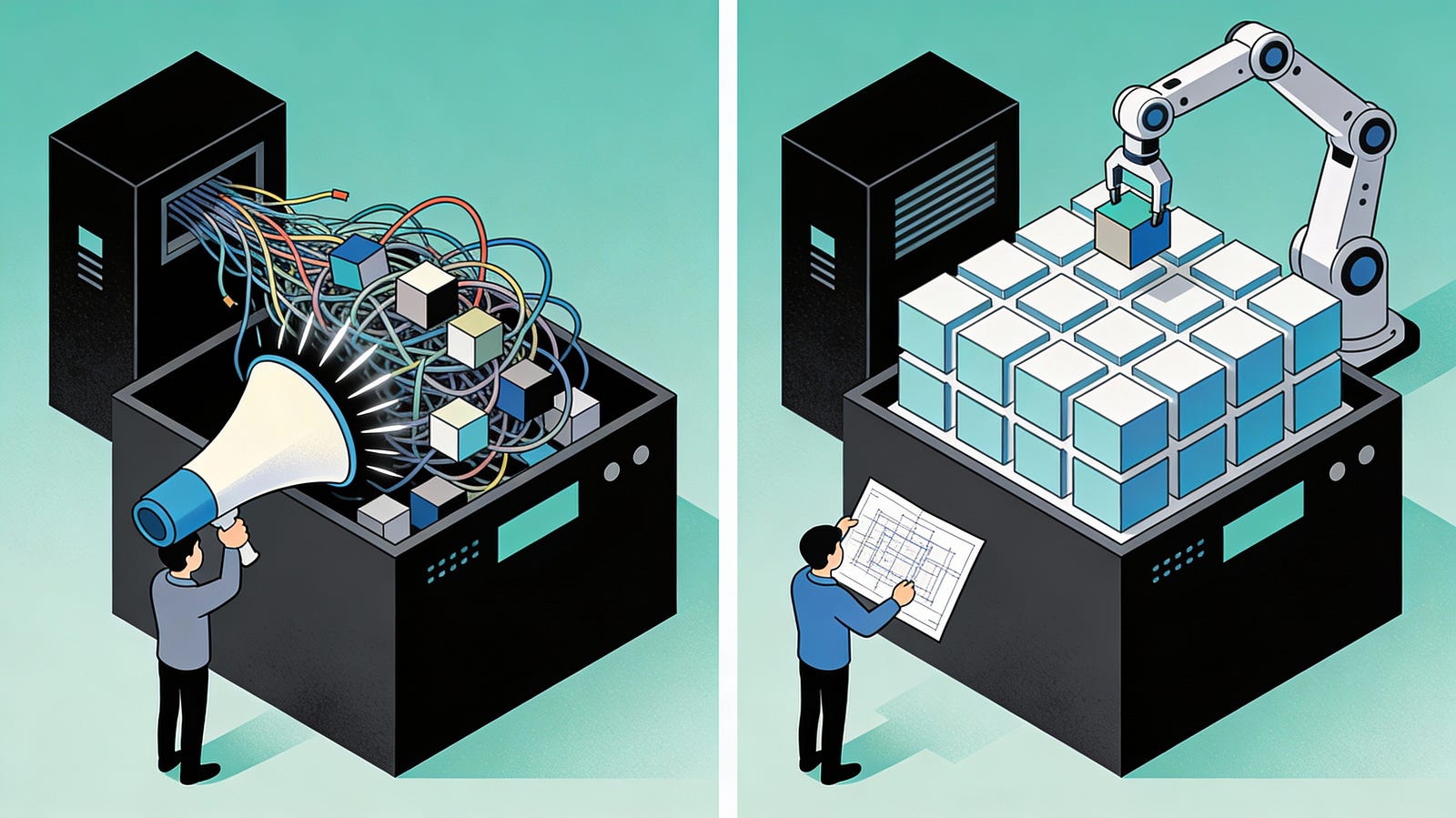
Claude as precise executor
With the framework in place, the next challenge wasn’t “can Claude write code?” — it was: can we get Claude to repeat our approach reliably, section after section, without drifting into a new architecture every time?
We started cautiously. For the first Claude-assisted component, I didn’t hand over the whole problem; I fed instructions one step at a time in the order we’d actually build it, correcting mistakes and adding pointers as we went. That first component wasn’t about speed — it was about calibrating Claude to our expectations around flexibility, editor experience, and API boundaries.
Once it was working, I asked Claude to do something more valuable than generating the next chunk of code: document the process it had just followed — what it did, in what order, and which constraints mattered. We reviewed that write-up, fixed anything ambiguous, and treated it as a living set of instructions that would evolve alongside the implementation.
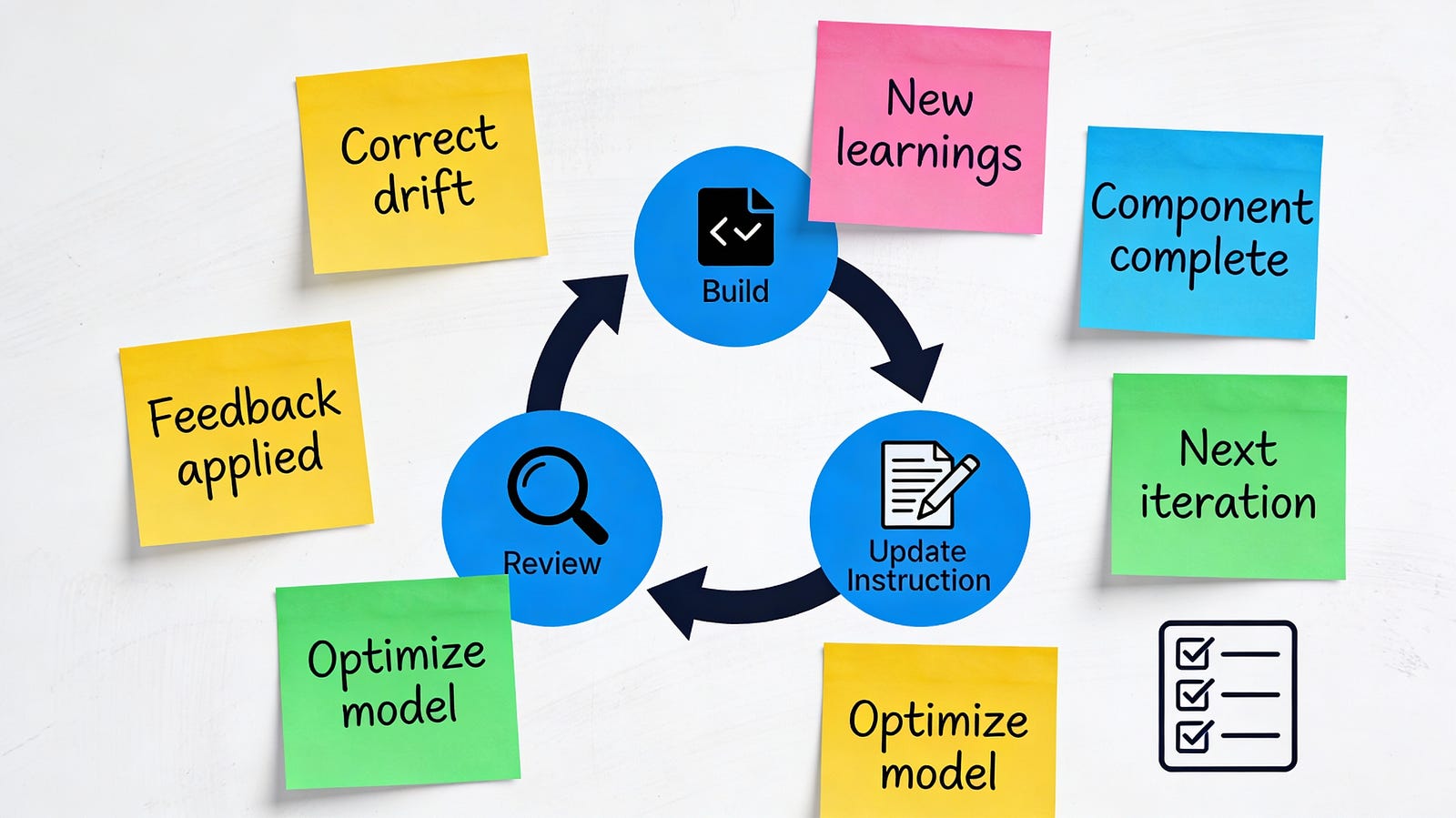
From there, the repeatable loop emerged:
- Next component: “Follow the documented approach.”
- If it drifted: Correct it inline.
- Extract learnings: Ask Claude to summarise anything new not captured.
- Update the document: Feed verified learnings back in.
- Repeat: Quality stayed consistent as volume increased.
That simple loop (build → review → update the instructions) turned Claude into a reliable executor while we scaled from one component to a full page.
While that was happening, we also parallelised the work: one of us focused on using Claude to finish the remaining components for the page, while the other worked through tests and end-to-end validation. Over the next 2.5–3 days, we finished the full page with the rest of the sections and tests integrated.
The real lesson

At the end, we realised AI isn’t a developer — and that’s not a criticism, it’s the unlock. It can follow instructions and produce output quickly, but it won’t consistently give you what you expect unless you already know what “right” looks like and can steer it there.
The good news is: AI really can make our lives easier. There’s just a learning curve, and a big part of that curve is learning how to ideate properly, break work into the right shapes, and prompt with enough clarity that the model can execute instead of improvising.
For us, the shift was simple: stop asking for “the whole solution,” and start giving it a flexible baseline to operate within. Once we did that, Claude stopped being a source of complexity and became what it’s best at — an accelerator that helps you move faster inside a system you understand and control.
If you get that relationship right, you don’t just have AI-generated code — you end up with a truly AI-accelerated development workflow.


