
We rebuilt an existing website to be CMS-driven: Strapi owned content and page structure, while a modularised Vue frontend handled rendering and behaviour. Over an 8‑week delivery window, we went from “AI is exciting but unpredictable” to shipping 1–2 pages per day — by treating AI like a teammate with a clear process, not a magic button.
This post is a standalone case study of that evolution: the workflow we designed, the mistakes we hit early, and the system that kept decisions and quality in human hands while AI accelerated execution, in other words, Intelligent Engineering.

The learning curve is real
When we first got access to Claude Code, using an AI tool at that scale felt new and exciting. It also came with a learning curve: working effectively with AI takes time, energy, and deliberate effort — much like any collaboration.
The core shift was simple: you can’t delegate unclear thinking.
AI becomes most effective when you first do the ideation — clarify the intended architecture, the constraints, and what “good” looks like — and then let it execute inside those guardrails.
Start with a repeatable pattern
Once the initial setup was complete, the work became predictable: every page followed the same underlying workflow, even when the UI details differed.Here’s the pattern we stabilised (this became the backbone for everything that came after):
- Take a page and split it into sections.
- For each section, check if an existing component matches exactly.
- If it matches, reuse it.
- If it almost matches, decide whether the change is safe to fold into the existing component without breaking other usages; otherwise create a new component.
- If nothing matches, create the new
Strapicomponent and the correspondingVuecomponent. - Map Strapi ↔ frontend via API calls for that page.
- Validate the page loads correctly with CMS data.
- Add tests for the page and any new components.
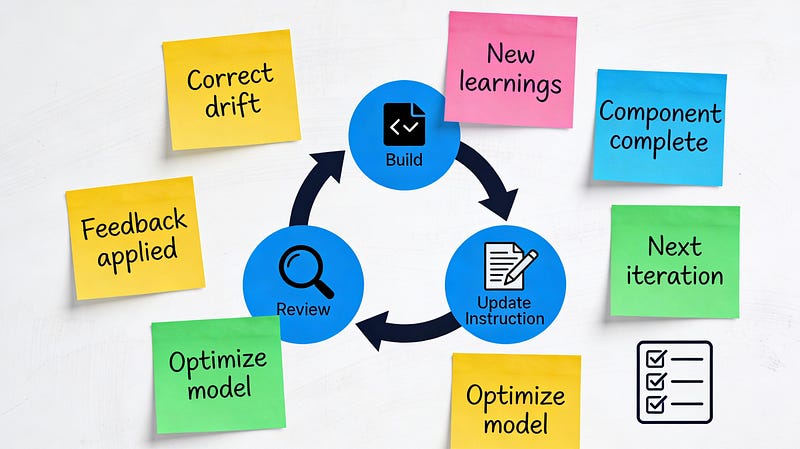
This looks obvious written down, but the power came from agreeing that this was the “default loop” and treating exceptions as explicit decisions, not improvisation.
Context Engineering, Not Prompting
My first scaling attempt was documentation-driven. I used Claude to create a set of documents (a main guide plus supporting notes for existing patterns and test guidelines), then asked it to follow them when recreating each section.
It worked — until output quality started drifting. As the context grew, it became easier for earlier constraints and decisions to fall out of the model’s working context. I had to do a lot of corrections as it was “forgetting” my earlier instructions.
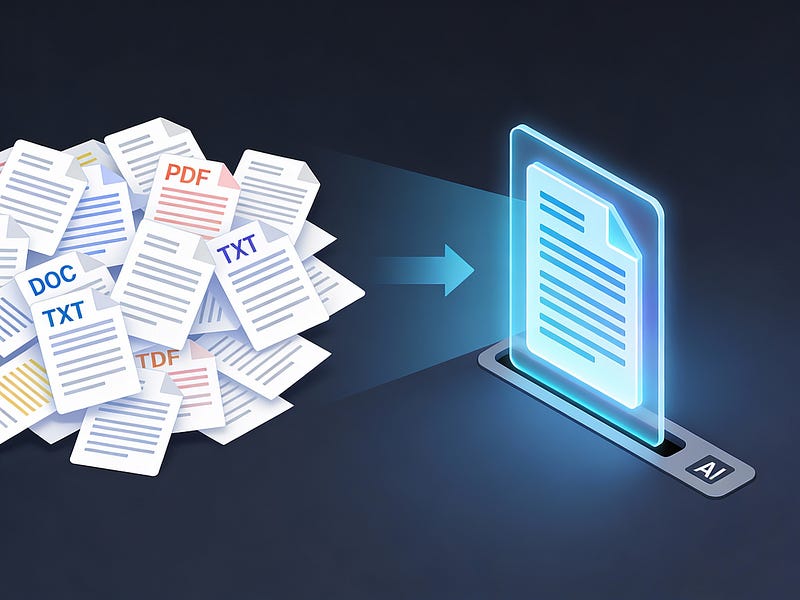
So I condensed. Instead of a sprawling doc set, I maintained a single “source of truth” file designed to be model-friendly: context, objective, steps to follow, and the gotchas to watch out for. That also reduced the split between “docs for humans” and “context for the model,” because one artifact served both.
One practical note I learned quickly: these tools love to write. If you don’t explicitly tell them to be brief, you can end up fatigued from reading rather than shipping, so I started instructing the model to keep outputs short unless asked otherwise.
Chunk It. Command It. Ship It.
Even with condensed context, I found that I needed a more reliable abstraction than “here’s a big file, now do the thing.”
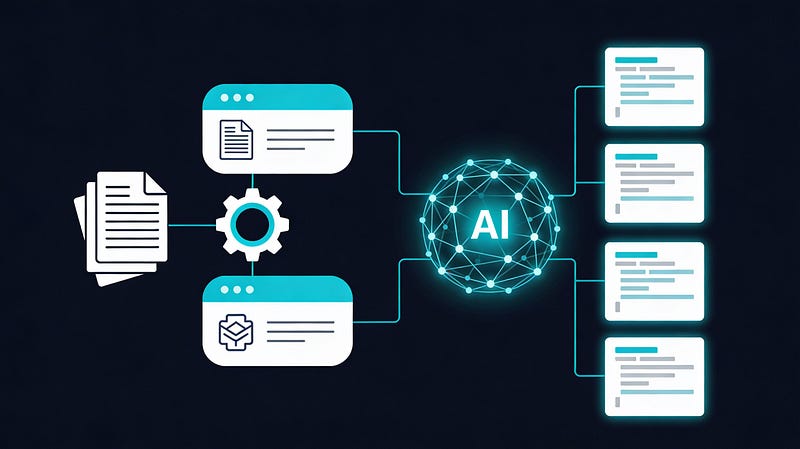
So we chunked the work into repeatable actions and turned them into standalone commands.
I split the work into two repeatable command shapes:
- New page setup: CMS flow for a new page (routes, splitting sections, extracting constants, wiring the page skeleton).
- Section implementation: CMS + frontend creation/update for one section (including mapping and validation steps).
Then I used Claude to draft these commands with strict rules:
- Each command was constrained to a specific set of steps.
- Each prompt was standalone and didn’t depend on previous chats.
- The command contained explicit “decision checkpoints” where Claude had to ask us what to do, rather than guessing.
- The command follows Anthropic’s guidelines for a Claude command.
This preserved the right division of labour:
We owned the decisions; the model owned the execution.
It also made the workflow shareable — commands lived inside the project and could be reused by others on the team.
A further optimisation: we started running each command in a fresh chat. Because the commands were designed to be self-contained, a new chat gave us a cleaner, larger effective context budget and reduced accidental drift from earlier conversations.
Skills: The Unsung Productivity Win
The last set of improvements wasn’t about code — it was about everything around it.
Because we shipped in vertical slices (page-by-page), we had frequent demos and needed a user manual that explained our page/section/component model for the client team.
Instead of rebuilding decks and docs from scratch each week, I used Claude Skills — reusable, shareable workflows — to generate slides from notes and produce documentation artifacts quickly.
The most valuable skill was a document wizard for the user manual. The workflow was: generate Markdown, apply a known HTML template for styling, then export a PDF. We used Claude to research options and bootstrap the implementation, then reused that capability throughout the project.
We didn’t just accelerate code — we accelerated everything around delivery.

Habits that made AI reliable
Living documentation stays valuable when it evolves alongside the work rather than being written once and abandoned.
We treated the AI workflow the same way: iteratively improved, lightweight, and embedded in the day-to-day loop.
The practices that made the biggest difference:
- Review everything: the AI output is still your responsibility.
- Keep the model’s output brief by default; ask for depth only when you need it.
- Convert repetitive work into standalone commands with complete context.
- Insert decision checkpoints so the model asks rather than assumes.
- Start fresh chats for standalone commands/prompts to reduce drift.
- Create skills for recurring non-development tasks (slides, manuals, release notes), not just code.
- Ask for a plan before implementation, and confirm it before the model starts editing.
- Update your “source of truth” and commands as you learn, so the system stays current.
AI-accelerated delivery isn’t about finding the perfect prompt — it’s about designing a repeatable way of working that the model can reliably follow. Start small, make the process explicit, and keep humans responsible for decisions and quality while AI handles the execution..
Done well, AI becomes a force multiplier across discovery, build, and delivery — not a source of risk or rework. Enjoy your journey with this new and exciting technology!


